> ## Documentation Index
> Fetch the complete documentation index at: https://developers.illuxi.com/llms.txt
> Use this file to discover all available pages before exploring further.
# Introduction
> How to get started quickly
## Authentication
Each request must include a token in the header.
To obtain a valid token, you will need your portal’s API URL and API key. Both can be found in your portal administration settings under Apps / illuxi API.
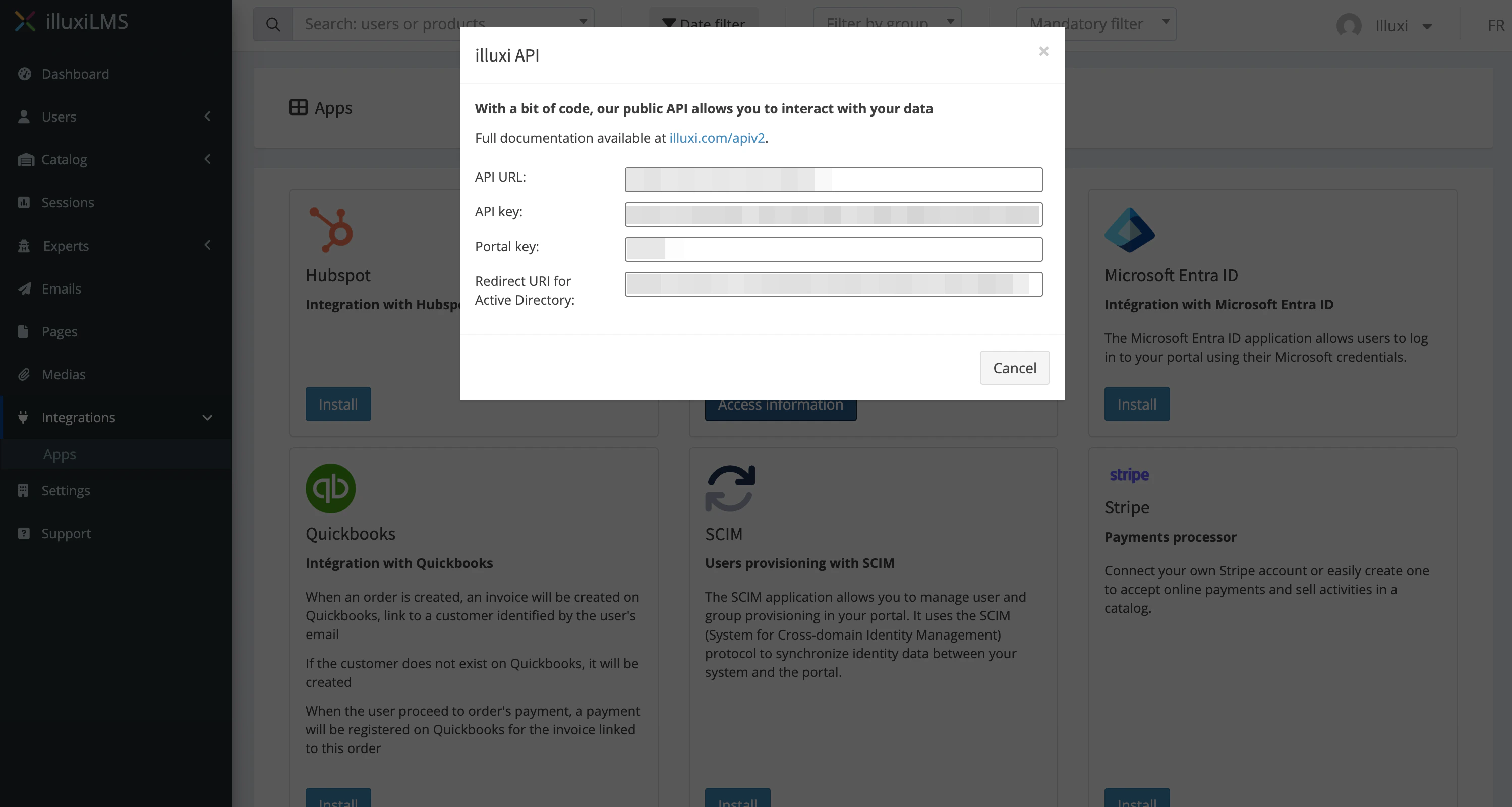 Use the [/token](/api-reference/endpoint/token/index) endpoint to obtain a valid token.
## Autorisation header
Each request must include the following header:
```curl theme={null}
Authorization:
```
Use the [/token](/api-reference/endpoint/token/index) endpoint to obtain a valid token.
## Autorisation header
Each request must include the following header:
```curl theme={null}
Authorization:
```